
Moving into a rented apartment or villa in Dubai? Once your Ejari tenancy contract is registered, Dubai Electricity and Water Authority (DEWA) automatically receives your tenancy details through its One Step Move-In integration for eligible properties. You do not need to file a separate paper application—you simply wait for DEWA’s welcome SMS and email, pay the refundable security deposit (AED 2,000 for a flat or AED 4,000 for a villa) plus the connection fees, and DEWA activates your supply within 15 working hours.
Before you pay, you can calculate your exact upfront deposit, activation fees, and first month’s projected utility bill using our UAE Utility Move-In Cost & Security Deposit Calculator and DEWA Bill Calculator.
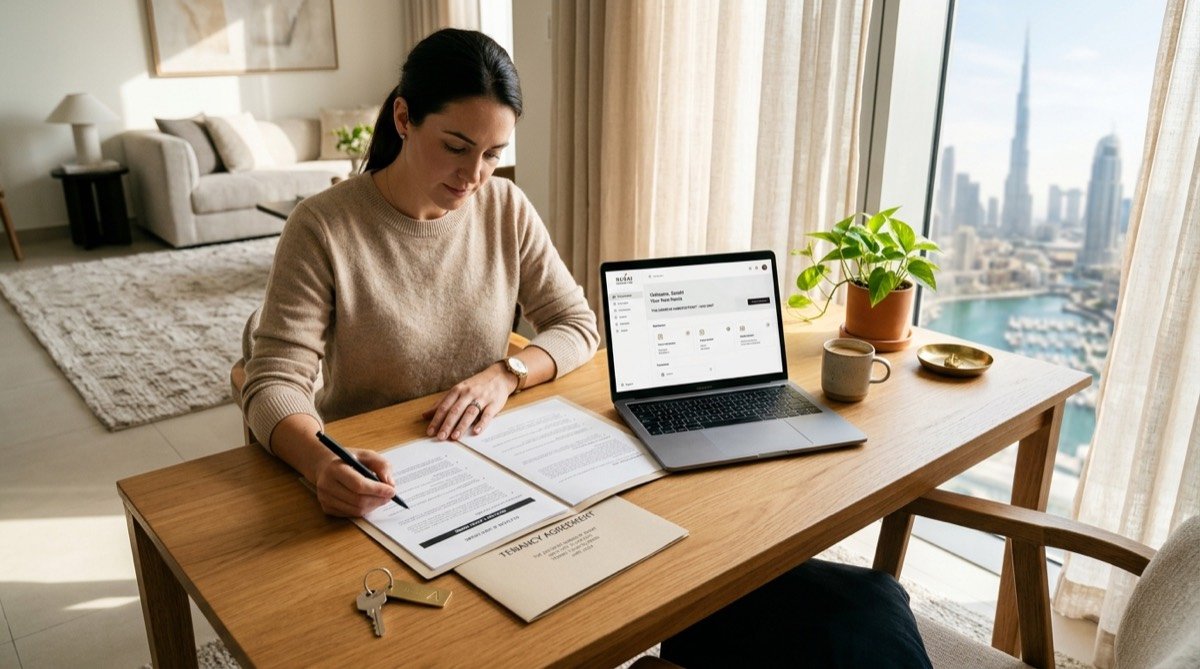
How DEWA One Step Move-In Works with Ejari
When your landlord, real estate agent, or typing centre registers your tenancy contract in the Dubai Land Department’s Ejari system using your property’s 9-digit DEWA premises number (see how to find your DEWA premises number), the Ejari platform transmits your contract data directly to DEWA.
DEWA immediately creates a Contract Account in your name and sends a welcome SMS and email containing your 10-digit Contract Account number and an EasyPay payment link. Electricity and water remain switched off until you complete the security deposit and connection fee payment.
Who Can Register for DEWA as an Expatriate or UAE National?
Both expatriate residents and UAE nationals can activate a residential DEWA account online. The exact route depends on your property and occupancy status:
- Tenants renting outside a free zone (Standard Ejari): Complete Ejari registration first. Your account is created automatically via One Step Move-In.
- Tenants renting in a free zone or Ejari-exempt property: Apply manually through DEWA’s website or the DEWA Smart App by uploading your valid tenancy contract, Emirates ID, and passport copy.
- Property owners (Title Deed / SPA): Submit a Move-In application via DEWA’s website or Smart App using your Title Deed (or Sale and Purchase Agreement in freehold areas) and Emirates ID / UAE Pass.
Documents and Details Required Before You Start
- Valid Ejari certificate number (for standard rental properties) or signed tenancy contract (for free-zone properties exempt from Ejari).
- 9-digit DEWA premises number (printed on the doorframe plate outside your apartment or villa; use our DEWA premises number lookup guide if the sticker is missing).
- Emirates ID and UAE Pass login (or passport copy for eligible investor/new-arrival categories).
- Active UAE mobile number and email address—verify that your typing centre or broker enters YOUR mobile and email on the Ejari form, not the agent’s, so you receive the payment link directly.
- Payment card, Apple Pay, or UAE bank account to settle the security deposit and activation fee.
Important: Creating a DEWA online user profile does not activate utilities by itself. If you did not receive the automatic Ejari welcome message, start directly at DEWA’s official Activation of Electricity/Water (Move-In) service.
Step-by-Step: How to Activate DEWA After Ejari Registration
- Register your Ejari contract: Complete Ejari through the Dubai REST app, an authorised DLD real estate trustee office, or your property management company. Double-check the 9-digit premises number, your email address, and your mobile number.
- Receive the DEWA Welcome SMS & Email: Within minutes of Ejari issuance, DEWA sends your new 10-digit Contract Account number, security deposit breakdown, and direct payment link.
- Pay the Deposit and Activation Fees: Open the link (or enter your Contract Account number on DEWA EasyPay or the DEWA Smart App) and pay the required total.
- Save Your Payment Receipt: Download your official payment receipt (see how to check DEWA payment history and receipts).
- Supply Activation Within 15 Working Hours: DEWA activates smart-meter properties remotely and dispatches field teams where needed within 15 working hours of payment (DEWA working hours for Move-In are Monday to Saturday, 7:00 AM to 8:00 PM). Ensure your main distribution board (DB) breaker inside the home is in the OFF position during remote activation if requested by DEWA’s SMS, then switch it on once confirmed.
You can track or initiate your request anytime on DEWA’s official Move-In service page.
2026 DEWA Activation Fees & Security Deposit Breakdown
When activating DEWA, you pay a refundable security deposit plus non-refundable connection and government fees. Note that historically standard connection fees were cited as AED 100 for small meters (plus AED 20 Knowledge and Innovation fees = AED 120), while DEWA’s current published schedule lists AED 125 for small-meter electricity and water connection, AED 10 registration, and AED 20 Knowledge/Innovation fees (totalling AED 155; subject to 5% VAT on taxable service components where applicable). Here is the full 2026 comparison table:
| Move-In Charge Component | Apartment / Flat (Small Meter) | Villa / Townhouse (Small Meter) | Large Meter Property |
|---|---|---|---|
| Refundable Security Deposit | AED 2,000 | AED 4,000 | AED 2,000 (Flat) / AED 4,000 (Villa) |
| Connection / Activation Fee | AED 100 – AED 125 (standard small meter) | AED 100 – AED 125 (standard small meter) | AED 300 |
| Registration Fee | AED 10 | AED 10 | AED 10 |
| Knowledge & Innovation Fees (AED 10 + AED 10) | AED 20 | AED 20 | AED 20 |
| Total Upfront Move-In Cost | AED 2,130 – AED 2,155 | AED 4,130 – AED 4,155 | AED 2,330 (Flat) / AED 4,330 (Villa) |
Tip: If your building uses separate district cooling (such as Empower or Tabreed), you will also need to pay a separate chiller security deposit (typically AED 2,000 for an apartment). You can calculate both your DEWA and district cooling move-in deposits together in our UAE Utility Move-In Cost Calculator and estimate monthly cooling bills with the Empower & Tabreed Bill Calculator.
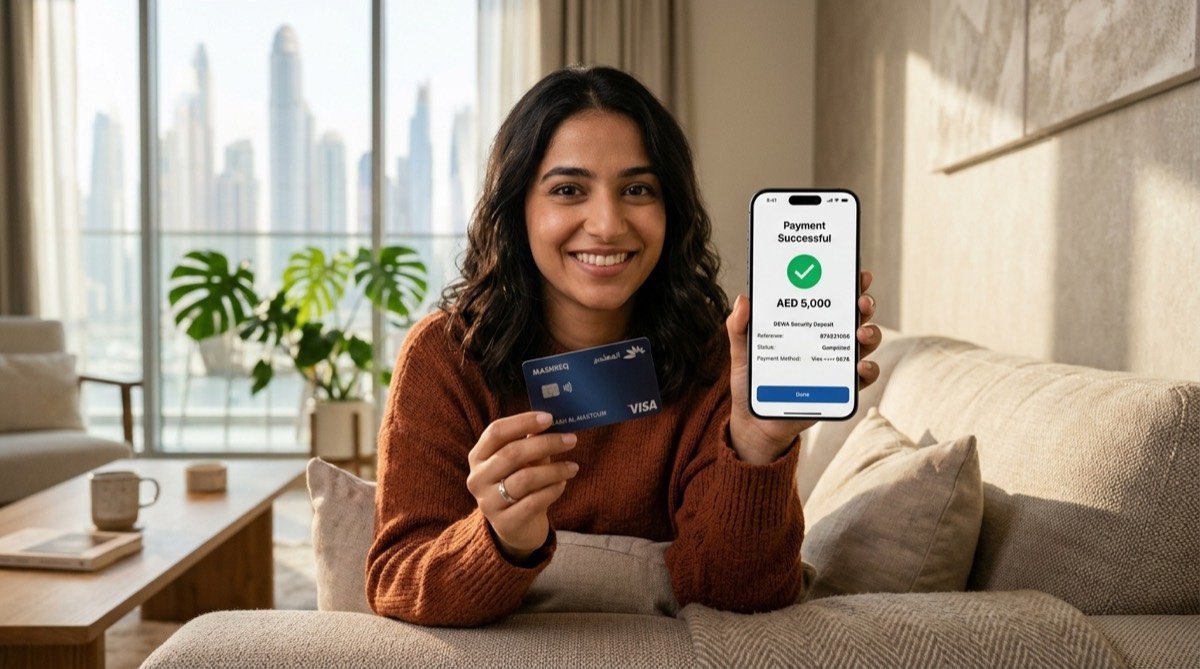
Your residential security deposit is 100% refundable when you eventually move out, settle your final bill, and obtain your DEWA clearance certificate. Read our DEWA security deposit and refund guide for full details.
What to Expect on Your First Monthly DEWA Bill (2026 Tariffs)
Once your supply is active, DEWA bills your monthly consumption using progressive residential slab rates plus fuel surcharges, 5% VAT, and the Dubai Municipality housing fee (5% of your annual Ejari rent divided into 12 monthly payments):
- Electricity Slab Rates: AED 0.23/kWh (0–2,000 kWh), AED 0.28/kWh (2,001–4,000 kWh), AED 0.32/kWh (4,001–6,000 kWh), and AED 0.38/kWh (6,001+ kWh), plus the AED 0.060/kWh fuel surcharge.
- Water Slab Rates: AED 3.50, AED 4.00, and AED 4.60 benchmark tiers (3.5, 4.0, and 4.6 fils/IG, or AED 7.70, AED 8.80, and AED 10.12/m³ on modern m³ bills) plus the AED 1.10/m³ water fuel surcharge.
- Dubai Housing Fee: 5% of annual rent ÷ 12 (VAT-exempt). Calculate yours with the Dubai Housing Fee Calculator.
For a full worked example of your first monthly bill, see How to Calculate Your DEWA Bill in Dubai and How to Read Your DEWA Bill.
How Long Does DEWA Take to Activate After Ejari?
Issuing Ejari alone does not turn on the power. The 15-working-hour activation window begins only after your deposit and connection fee payment clears. Because most Dubai apartments and villas now have smart meters, power and water often come on within 1 to 4 hours of payment during working hours (Monday–Saturday, 7:00 AM–8:00 PM).
If 15 working hours pass after payment and your utilities are still off, call the DEWA Customer Care number on 04 601 9999 (or emergency technical helpline 991) with your 10-digit Contract Account number and payment reference.
What If You Do Not Receive the DEWA Welcome Email or SMS?
If your Ejari certificate has been issued but no SMS or email arrives from DEWA within a few hours, it almost always means the typing centre or agent entered an outdated mobile number or email on the Ejari form. Here is how to fix it in 3 minutes:
- Check your email spam/junk folder first.
- Open the DEWA Move-In page or the DEWA Smart App and sign in with UAE Pass.
- Enter your Ejari contract number and 9-digit DEWA premises number. DEWA’s system will pull your tenancy data automatically without requiring document uploads.
- Update your mobile number and email address on screen, then complete the deposit payment directly.
For broader moving-day tips, see our complete guide on how to set up DEWA when moving into a new home.
Frequently Asked Questions
Do I need to apply separately for DEWA after getting Ejari?
No, for standard residential properties registered through Ejari, DEWA’s One Step Move-In creates your account automatically and sends a payment link by SMS and email. You only need to apply manually if you did not receive the welcome message, live in a free-zone property exempt from Ejari, or are a homeowner.
Can DEWA activate my supply before I pay the AED 2,000 or AED 4,000 deposit?
No. DEWA’s 15-working-hour connection timeline starts strictly after the security deposit and activation fees are paid in full.
Is the DEWA security deposit refundable?
Yes. Your AED 2,000 (flat) or AED 4,000 (villa) deposit is refunded via IBAN bank transfer, cheque, or transfer to a new DEWA account when you move out and settle your final bill. Read our DEWA deposit refund guide.
How can I estimate my new home’s AC and water costs before my first bill arrives?
Use our AC Electricity Cost Calculator UAE, DEWA Electricity Calculator, and UAE Water Bill Calculator to model your monthly utility budget.
Official DEWA Links
DEWA fees and service requirements can change. Always verify the exact amount displayed on your official DEWA payment screen before completing payment.