
Whether you are reconciling your household budget, proving to a Dubai landlord that every utility bill has been settled before moving out, or submitting reimbursement claims to your employer, tracking down old DEWA receipts should only take a couple of minutes. Every payment processed against your Dubai Electricity and Water Authority (DEWA) contract account generates an official electronic receipt alongside the monthly Green Bill PDF.
However, residents frequently run into two frustrating scenarios: trying to access payment records from a previous apartment after the account has already been closed, or seeing an “Amount Due” warning on the app hours after a bank transfer or credit card payment has already cleared. This guide walks through every official method to view and download your DEWA payment history in 2026, how far back DEWA’s digital archive goes, and how to trace a missing transaction without accidentally paying twice.
Direct DEWA portals: My Bills & Receipts | DEWA Smart Living Dashboard
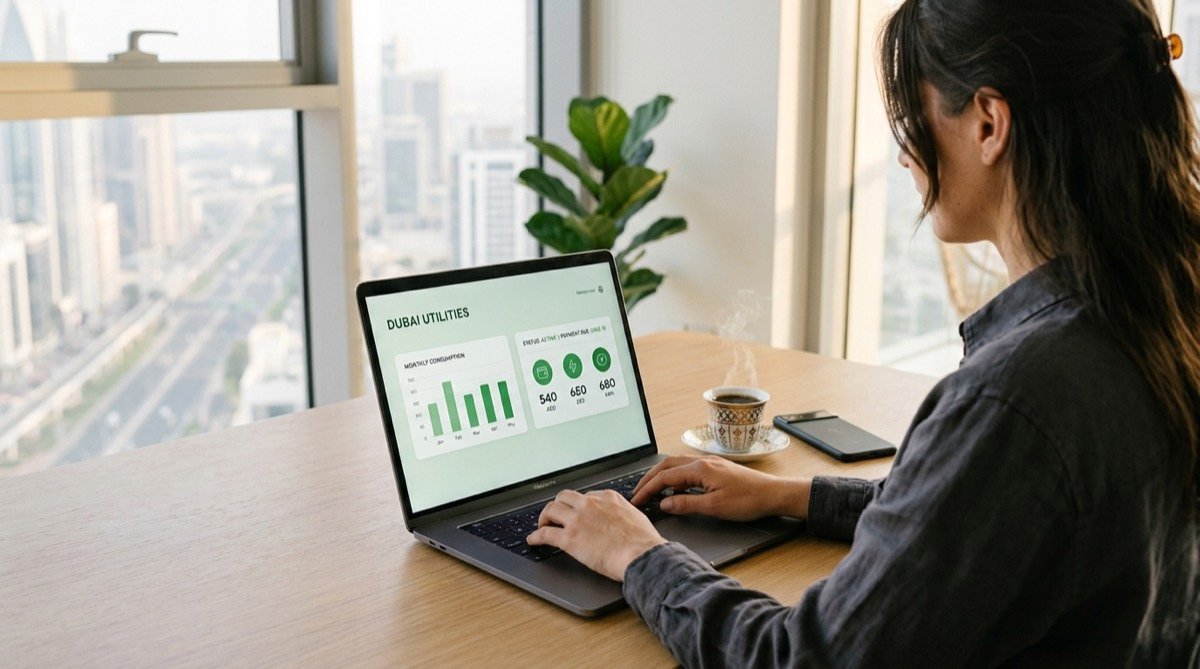
Where to Check DEWA Payment History and Receipts
DEWA separates your monthly tax invoices (the Green Bill) from your transaction receipts, though both live inside the same customer profile. Before you begin, make sure you know your 10-digit Contract Account Number—especially if you have moved between Dubai properties or manage multiple apartments under a single UAE Pass login. If you want to verify whether the billed amount itself matches your meter usage before checking your receipts, run your kilowatt-hours and cubic metres through our DEWA Bill Calculator.
| Channel / Service | What You Can View & Download | History Retention Window | Login Required? |
|---|---|---|---|
| DEWA Smart App & Website (My Bills) | Monthly Green Bill PDFs, itemised VAT tax invoices, and official payment receipts | Up to 13 months of active billing and payment history | Yes (UAE Pass or DEWA User ID) |
| Smart Living Dashboard | Month-by-month billing graphs, kWh/m³ trends, and historical payment ledger | 13 months rolling history for active accounts | Yes (UAE Pass or DEWA User ID) |
| Closed / Previous Premises Account | Final bill, security deposit settlement, and past payment receipts | Up to 12 months after the final bill issue date | Yes (or request via Customer Care) |
| Registered Email Inbox | Automated e-receipt PDF sent immediately after EasyPay/app settlement, plus monthly Green Bill | Indefinite (as long as you keep the emails) | Email access only |
| DubaiNow App | Payment receipts for DEWA transactions completed directly inside the DubaiNow wallet | Full transaction log within your DubaiNow profile | Yes (UAE Pass) |
Step-by-Step: How to Check and Download DEWA Payment Receipts Online
If you need an official payment receipt showing the transaction reference number, date of settlement, payment channel, and contract account number, follow these steps on the DEWA website or DEWA Smart App:
- Sign in to your account: Open the official DEWA website or Smart App and log in using UAE Pass or your DEWA username and password.
- Select the right Contract Account: If your profile has an old apartment account alongside your current villa or flat, tap the account selector at the top of the dashboard and confirm the 10-digit account number and 9-digit DEWA premises number.
- Navigate to My Bills / Payment History: On the web portal, open Consumer Services → Billing → My Bills (or open the Smart Living tab). On the mobile app, tap Bill Payment / History from the home screen.
- Switch between Bills and Payments: You will see two views—one listing your issued monthly Green Bills (learn how to download a DEWA bill as a PDF) and another listing completed Payment Transactions.
- Download the official receipt: Click the specific payment date to view the receipt details, including the DEWA receipt number, amount paid in AED, and payment mode, then select Download PDF or Share Receipt.
How Far Back Can You See DEWA Payment History?
DEWA’s digital dashboard does not keep an unlimited multi-year archive on screen. According to DEWA’s official billing guidelines, there are two distinct retention windows you need to plan around:
- Active Contract Accounts (13 Months): The Smart Living dashboard and My Bills portal display the last 13 months of Green Bills and payment history. Using a 13-month window allows you to compare this year’s peak summer bill (for example, August 2026) directly against the exact same month last year (August 2025).
- Deactivated / Previous Premises Accounts (12 Months): Once you complete the DEWA move-out and account closure process and receive your final bill, your historical bills and receipts for that old property remain accessible in your online profile for up to 12 months from the final bill date.
If you need a statement of account older than 13 months—for example, for a legal tenancy dispute, corporate audit, or property sale reconciliation—you should search your registered email inbox for no-reply@dewa.gov.ae first, or contact DEWA Customer Care at 04 601 9999 with your Contract Account Number and Emirates ID to request an archived statement.
Why an Account Still Shows “Amount Due” After You Paid (Processing Times by Channel)
One of the most common mistakes Dubai tenants make is paying a bill twice because the DEWA app still shows an unpaid balance right after they complete a bank transfer. How fast your payment appears in your DEWA payment history depends entirely on the channel you used to pay your DEWA bill:
| Payment Method | Typical Posting Time to DEWA Account | Receipt Delivery |
|---|---|---|
| DEWA Smart App / EasyPay (Apple Pay, Card, Noqodi) | Instant (real-time ledger update) | Instant on-screen PDF + email receipt |
| DubaiNow App / e& money | Instant to 15 minutes | In-app receipt + DEWA email confirmation |
| UAE Bank App Bill Payment (ENBD, ADCB, FAB, Mashreq) | Instant to 24 hours (depends on bank API batching) | Bank transaction reference immediately; DEWA receipt once posted |
| ENOC / EPPCO Service Stations & Etisalat Kiosks | Instant to 2 hours | Printed thermal receipt at kiosk + email receipt |
| Standing Order / Corporate Wire / Cheque | 1 to 3 working days | Updated in My Bills after clearing |

How to Trace a Missing DEWA Payment Receipt
If money was debited from your bank account or credit card, you received an SMS from your bank, yet your DEWA payment history shows no record of the transaction, work through this checklist before calling support:
- Verify the 10-digit Contract Account Number on your bank receipt: Tenants who have moved within Dubai using DEWA’s Move-To transfer service often forget to delete their old apartment’s beneficiary profile inside their mobile banking app. Paying an old closed account leaves your current active account unpaid.
- Check whether you paid a partial or previous balance: Compare your payment receipt against the full breakdown on your Green Bill (including the 5% municipal fee—which you can verify with our Dubai Housing Fee Calculator—and fuel surcharges). If you paid an older overdue invoice just as a new monthly cycle generated, the remaining balance shown is simply the newly issued bill.
- Never submit a duplicate payment immediately: If your bank shows the transaction as “Completed” or “Debited” and more than 24 hours have passed, contact DEWA Customer Care via Hayak live chat, WhatsApp (+971 4 601 9999), or email (
customercare@dewa.gov.ae) and attach your bank payment confirmation showing the date, amount, and bank reference number.
When a Payment Receipt Is Not Enough: Getting a Clearance Certificate
Keep in mind that a standard monthly payment receipt only proves that a specific payment was made on a specific date—it does not certify that your account has zero unbilled consumption accrued since the last meter reading. When you are vacating a villa or apartment, handing back keys to a landlord, or selling a property through the Dubai Land Department, you will need an official DEWA Clearance Certificate after settling your final move-out bill, and your remaining DEWA security deposit will be reconciled automatically.
Frequently Asked Questions
Can I check my DEWA payment history without logging in?
No. While DEWA’s public View Bill and EasyPay pages let you check the current total amount due using just your 10-digit Contract Account Number, viewing historical payment receipts and past monthly statements requires signing in with UAE Pass or your DEWA user ID to protect customer privacy.
What happens if I accidentally paid my old DEWA account after moving?
If you paid a closed DEWA account that already had a zero balance, the overpayment sits as a credit balance on that contract account. You can request DEWA to transfer the credit balance to your active DEWA account under the same Business Partner number (which takes about 3 working days) or apply for an IBAN refund.
Do DEWA payment receipts show the 5% VAT breakdown?
The payment receipt confirms the total AED paid, transaction date, and reference number. For the itemised 5% VAT calculation and Federal Tax Authority TRN details, download the corresponding monthly Green Bill PDF alongside your payment receipt.
Related tools & guides: Estimate your upcoming bills with the DEWA Bill Calculator, test appliance cooling loads in the DEWA Electricity Calculator, or budget your next move with the UAE Utility Move-In Cost Calculator.
Official sources: My Bills, DEWA Bill Payment Guide, and DEWA Consumer FAQs.