
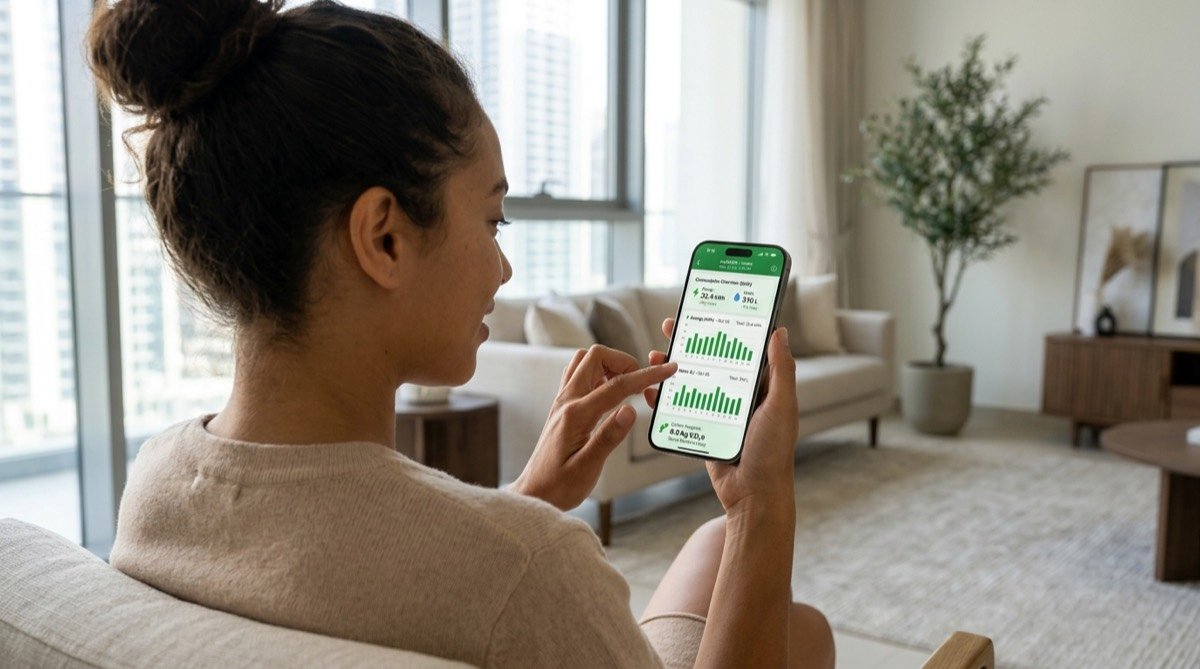
The official DEWA Smart App lets Dubai residents and business owners view and pay monthly Green Bills, track hourly and daily electricity (kWh) and water (m³) consumption, activate Move-In connections, request Move-Out final bills, and apply for clearance certificates without visiting a Customer Happiness Centre. Before logging in, you can also verify your expected monthly bill using our DEWA Bill Calculator and DEWA Electricity Calculator.
What Is the DEWA Smart App?
The DEWA Smart App is Dubai Electricity and Water Authority’s mobile platform for residential, commercial, and industrial customers, property owners, and EV Green Charger users. It integrates directly with UAE Pass and DEWA’s smart-meter network to give real-time billing, consumption alerts, and service tracking across iOS, Android, Huawei, and smartwatches.
For official download links, visit DEWA’s Smart App page.
Key Services and 2026 Fees in the DEWA Smart App
Here is a quick-reference table of the core transactions you can complete inside the DEWA Smart App, along with their 2026 DEWA fees and timelines:
| App Service / Feature | 2026 DEWA Fee / Deposit | Processing Time in App |
|---|---|---|
| View & Pay Green Bill (EasyPay / Apple Pay / Card) | Free via DEWA channels (0% DEWA card fee) | Instant account update & email receipt |
| Move-In Activation (with Ejari / Title Deed) | Deposit: AED 2,000 (Flat) / AED 4,000 (Villa) + AED 100–125 connection + AED 10 reg. + AED 20 Knowledge/Innovation | Within 15 working hours of payment |
| Move-Out Deactivation & Final Bill | AED 100–125 (small meter) + AED 20 Knowledge/Innovation (+ 5% VAT on service fee) | within 24 working hours of chosen date |
| Clearance Certificate Request | Automatic upon final bill settlement (or AED 50 + AED 20 Knowledge/Innovation + 5% VAT / AED 10 digital fee for standalone requests) | Immediate email delivery after settlement |
| Smart Living Consumption Dashboard & High-Water Alerts | Free for smart-meter accounts | Hourly / daily meter updates |
| EV Green Charger Account & Tariff Management | AED 0.38/kWh (AC public) or residential slab rate (0.23–0.38/kWh + 0.060/kWh fuel surcharge) at home | Real-time session tracking |
How to Download the Official DEWA Smart App
- Open the Apple App Store (iPhone/iPad), Google Play Store (Android), or Huawei AppGallery.
- Search for “DEWA Smart App” and verify that the publisher is Dubai Electricity and Water Authority.
- Install and launch the app, select English or Arabic, and allow notification permissions if you want instant high-water-leak alerts and monthly bill reminders.
How to Log In (UAE Pass vs. DEWA User ID)
- Tap Log In on the home screen and choose Sign in with UAE Pass (recommended for all UAE residents with an Emirates ID) or enter your existing DEWA User ID and password.
- Approve the authentication prompt inside your UAE Pass app. Never share a one-time password (OTP) or UAE Pass PIN with anyone claiming to call from DEWA.
- If you manage multiple apartments, villas, or commercial units, select the 10-digit Contract Account number from the top account switcher.
- Verify your registered mobile number and email address under Profile Settings so Green Bills and SMS alerts reach you promptly.
6 Essential Features Inside the DEWA Smart App
1. View, Download PDF, and Pay Your DEWA Bill
Tap My Bills to view your current balance, due date (14 days from invoice issue), and line-by-line breakdown of electricity slabs (AED 0.23, 0.28, 0.32, 0.38/kWh + AED 0.060/kWh fuel surcharge), water slabs (AED 3.50, 4.00, 4.60 benchmark / AED 7.70, 8.80, 10.12/m³ + AED 1.10/m³ fuel surcharge), 5% VAT, and the 5% Dubai Municipality housing fee. You can pay immediately with Apple Pay, credit/debit card, or Noqodi—see our step-by-step guides on how to pay your DEWA bill and how to download a DEWA bill as a PDF.
2. Check 13 Months of Billing & Payment History
The app stores your last 13 months of Green Bills and official payment receipts. If you need proof of payment for your landlord, employer, or bank, follow our DEWA payment history and receipt guide or how to check your DEWA bill online.
3. Monitor Smart Meter Electricity (kWh) & Water (m³) Usage
Under the Smart Living tab, you can view daily, weekly, and monthly consumption graphs for both electricity and water. If your summer bill jumps unexpectedly, pair the app’s kWh chart with our AC Electricity Cost Calculator UAE (and our 24/7 AC Running Cost Guide) or UAE Water Bill Calculator to isolate whether air conditioning or a hidden plumbing leak caused the spike.
4. Manage Move-In, Move-Out, and Clearance Certificates
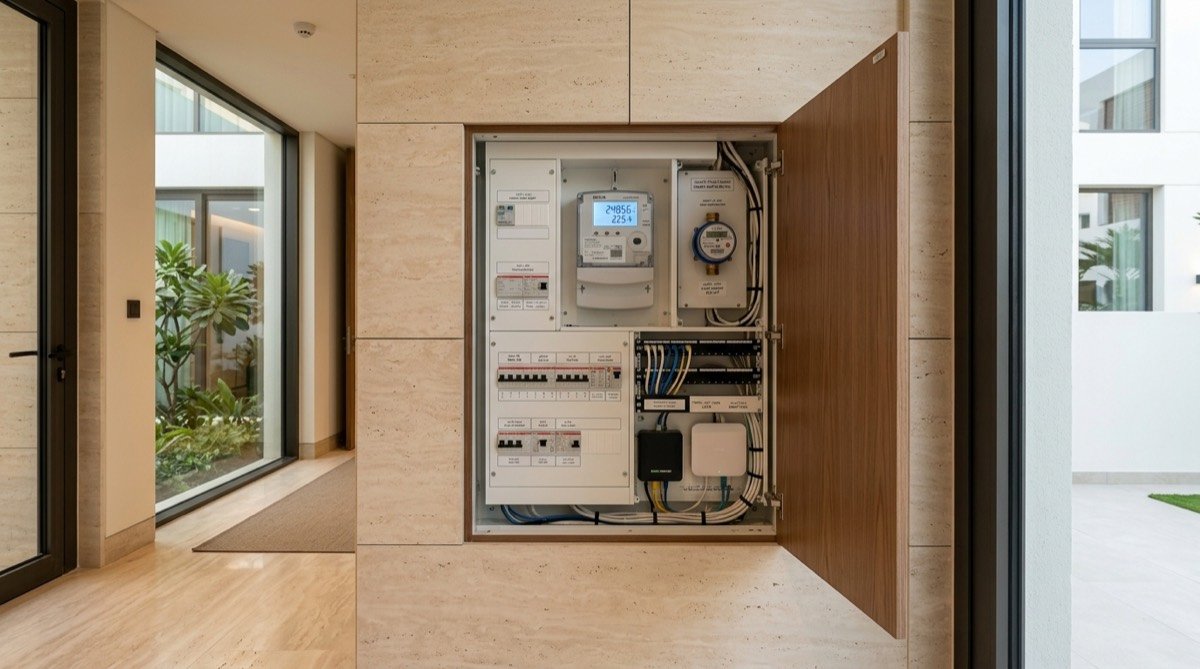
Moving homes? Use the app to pay your One Step Move-In deposit after Ejari, schedule a Move-Out disconnection, select an 8-minute IBAN security deposit refund, or request a DEWA clearance certificate. Before moving, estimate your upfront deposit and connection costs with our UAE Utility Move-In Cost Calculator.
5. High-Water-Usage Alerts & Away Mode
Smart Living includes automated High Water Usage Alerts that notify you via push notification and email if your smart water meter detects continuous flow for 24+ hours—often catching a silent toilet cistern or underground villa pipe leak before it adds hundreds of dirhams to your bill. When travelling, activate Away Mode in the app to receive daily consumption reports while your home is vacant.
6. Rammas AI Chat, Hayak Video Support & EV / Solar Dashboards
Need help? Launch Rammas (DEWA’s 24/7 AI assistant) or Hayak live chat directly inside the app, or check our DEWA Customer Care number and helpline guide. Homeowners with rooftop solar panels or electric vehicles can also monitor net metering and charging sessions—test your own savings using our Shams Dubai Solar Calculator and UAE EV Home Charging Cost Calculator.
Troubleshooting Common DEWA Smart App Problems
- UAE Pass login loop or error: Update both the DEWA Smart App and the UAE Pass app to their latest store versions, disable any active VPN, and retry over mobile data.
- Bill or premises not showing: Tap the account selector at the top of the dashboard to verify you selected the right 10-digit Contract Account. If you need to look up a unit’s 9-digit door number, see how to find your DEWA premises number.
- Payment deducted by bank but balance still shows due: Do not pay a second time. Wait 15–30 minutes, check the Payment History tab, and contact DEWA on 04 601 9999 with your bank transaction reference if the receipt does not generate.
- Bill looks unusually high in the app: Walk through our diagnostic checklist in Why Is My DEWA Bill So High? 10 Common Reasons and How to Calculate Your DEWA Bill in Dubai.
Frequently Asked Questions
Is the DEWA Smart App free to download and use?
Yes. Downloading the app and paying bills via DEWA’s native card or Apple Pay gateway carries zero DEWA surcharge.
Can I pay someone else’s DEWA bill in the app without logging into their account?
Yes. Use the guest EasyPay / Pay for a Friend feature on the welcome screen by entering their 10-digit Contract Account number, then authenticate the payment with your own login.
Does the DEWA Smart App show Empower or Tabreed district cooling bills?
No. District cooling in chiller-metered buildings is billed separately by providers like Empower or Tabreed. Estimate those charges with our Empower & Tabreed Bill Calculator and read District Cooling Capacity vs. Consumption Charges Explained.
Official DEWA Resources
- DEWA Smart App Overview & Official Store Links
- Official DEWA Bill Payment Channels
- DEWA Smart Living Dashboard
This is an independent information guide and is not affiliated with or endorsed by DEWA. Always confirm account-specific instructions through DEWA’s official channels.